

Feature Image
The Da Vinci theme lets you set a different feature image for every page and post. This image will appear just above the article title. The theme settings will automatically size the image width to suit the layout and the height of the image is flexible so it will always stay in proportion.
Header Options
The Da Vinci theme supports any height of header image, meaning it doesn’t have to be cropped to a specific height. It will be shown in it’s entirety and will re-size to suit the device it is view on. The header image should be 1240 pixels wide for best results.
You can upload and display more than one header image. Multiple header images will be shown randomly. This is a feature of WordPress and not controlled by the Da vinci Theme.
If your header image is your logo you can hide the site title and description (this is also WordPress feature).
Custom Fonts
As with the David Themes you can change the Header and the Entry Title Fonts for pages and posts. As well you can now change the color of your links. Here’s how…
Blog
One of the greatest features of WordPress is that you can use it as a blog – a website and a blog combined – or simply just a website (no blog). The Da Vinci Theme supports blog excerpts with a 150 x 150 pixel thumbnail of the feature image in the post.
Responsive Theme
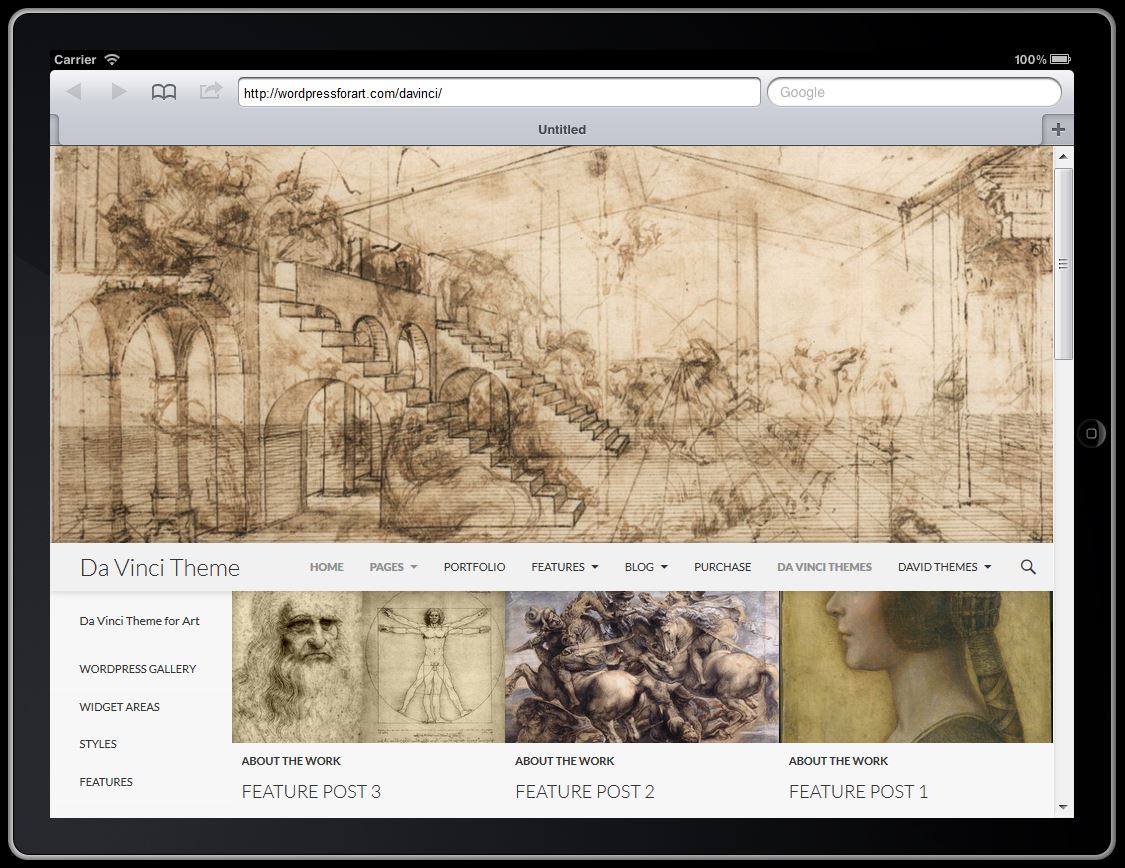
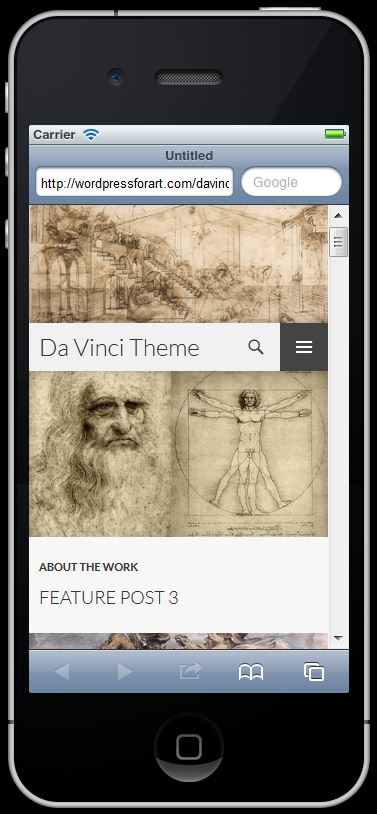
This theme is responsive which means it re-sizes to fit mobile devices. iPad’s, iPhones, Smart Phones, the works.
Once the theme gets small enough the menu collapses into a button drop down.
Other Includes
Custom Background Color or Image
The Da Vinci theme supports a custom background image or color while maintaining the neutral color for the content.
Woo Commerce Support
Woo Commerce requires a couple of PHP templates be added to theme directories in order to function properly. Da Vinci theme includes these files as does the David themes.